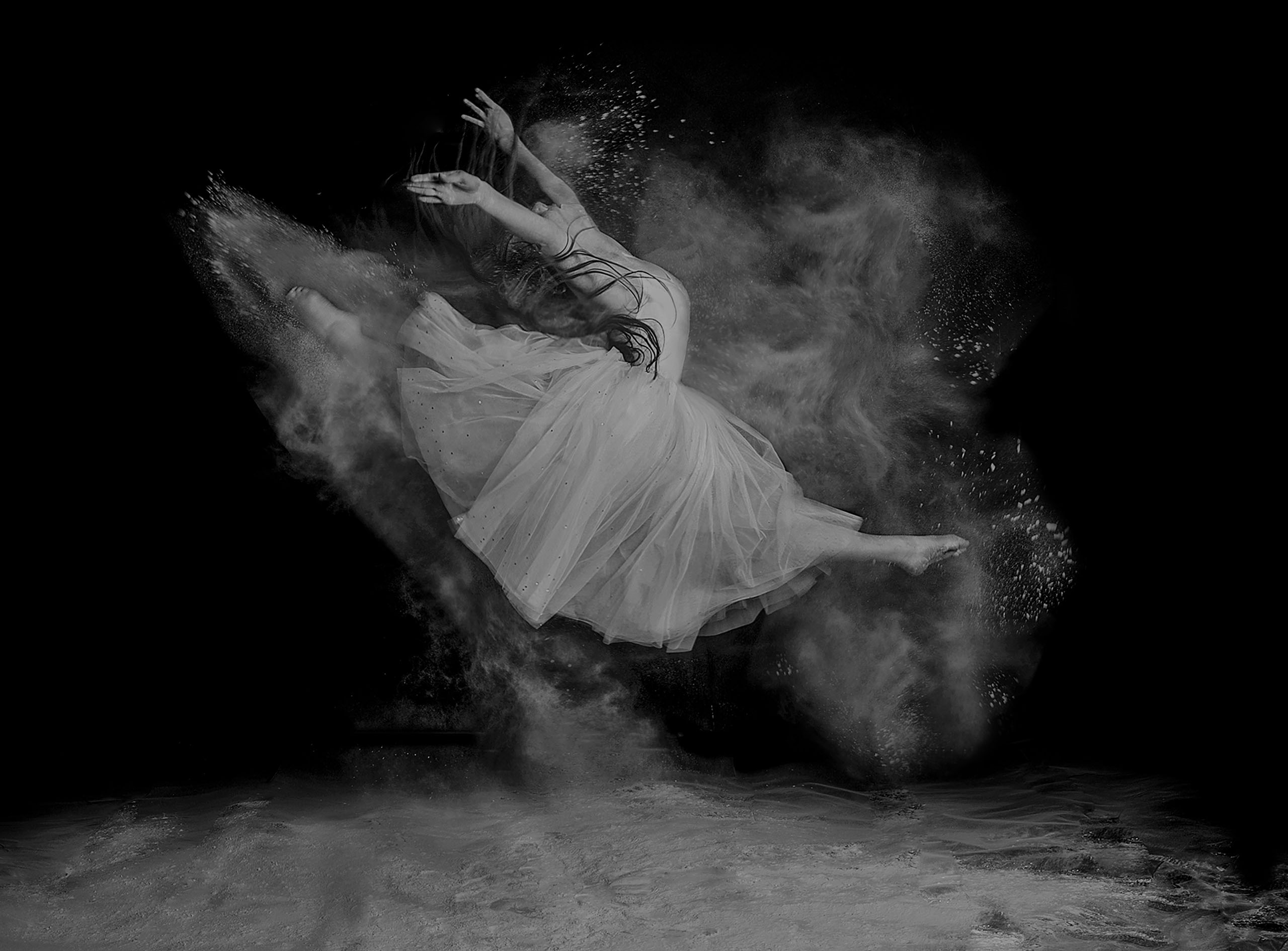
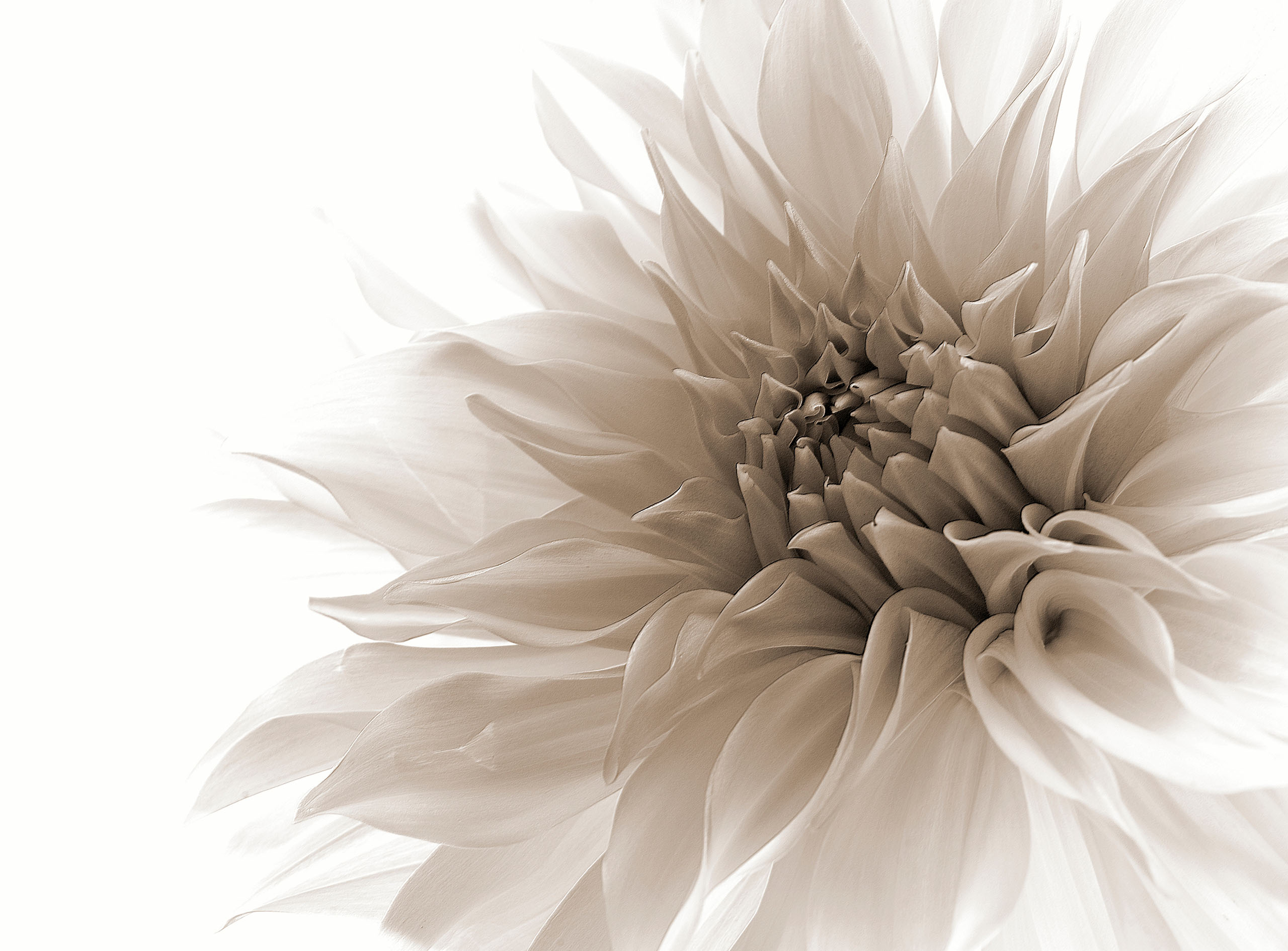
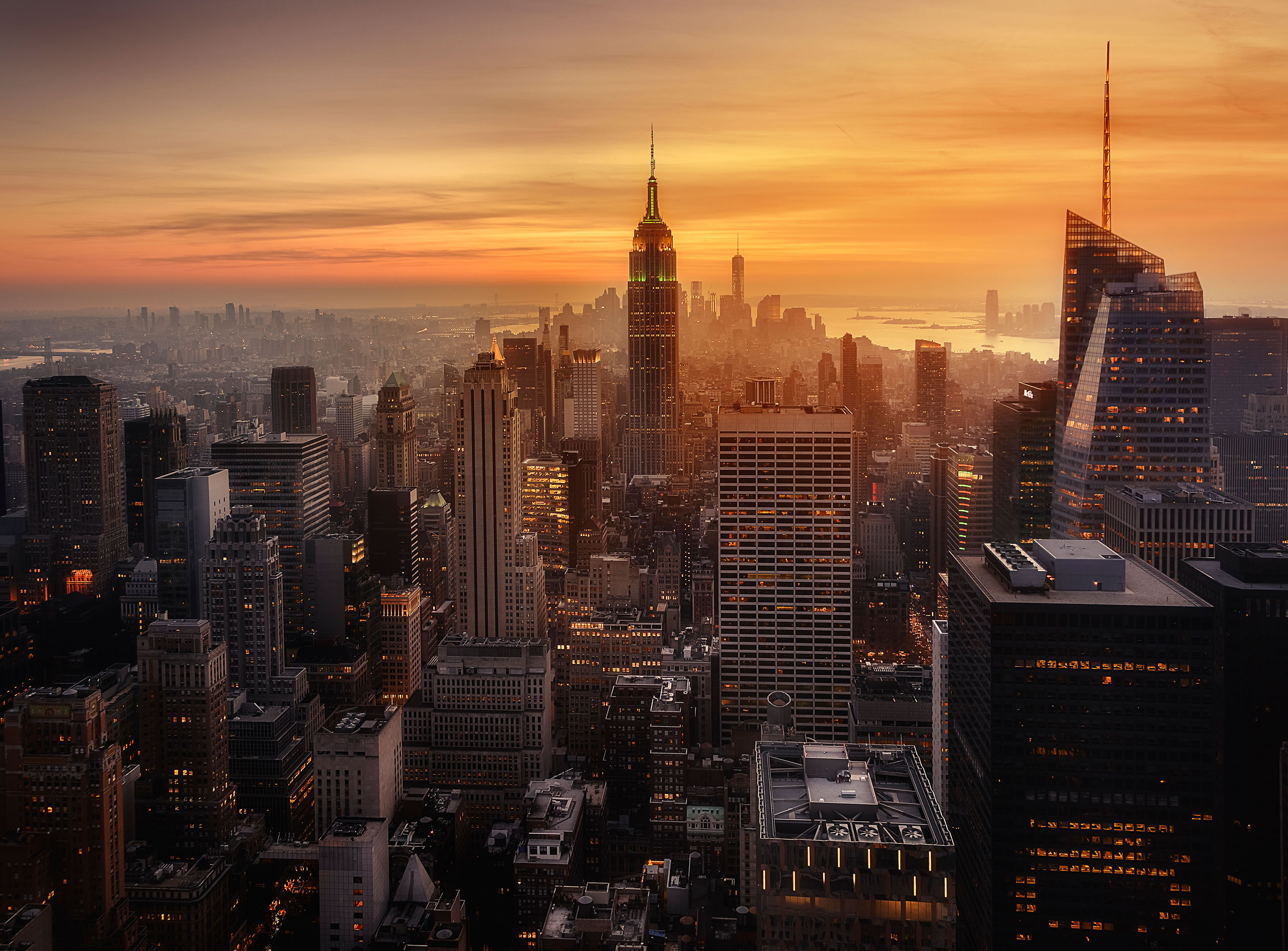
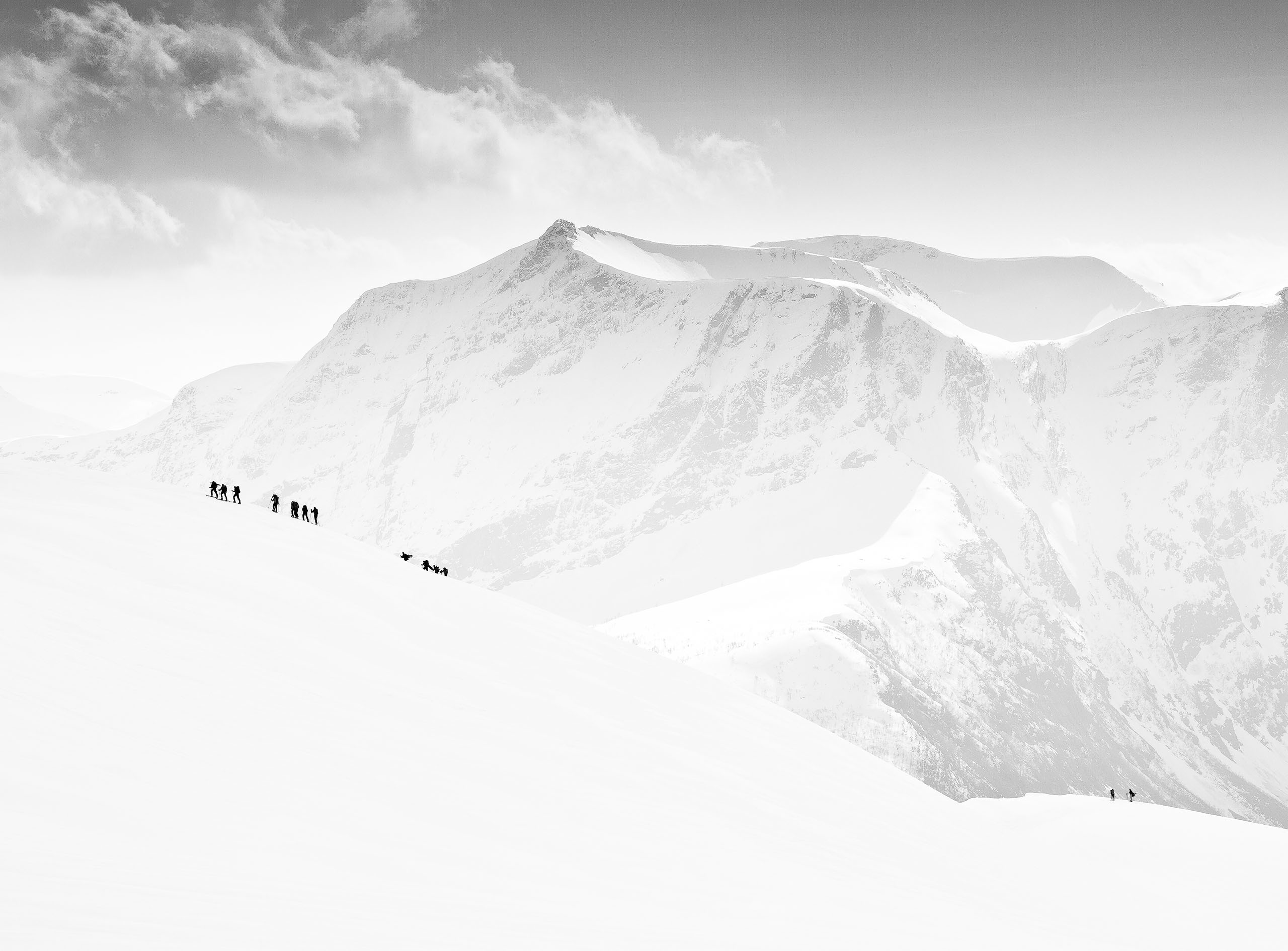
The idea behind 1x is to create an online photo gallery experience which is like a real arts gallery. In a real photo gallery, photos are enjoyed in big size and not as a catalog of small thumbnails. We aim to maintain a very high quality of the whole site by curating all photos, even photos on photographers' profiles. Our artistic vision is to curate the world's photos and to create an online photo exhibition with the works of all of the best photographers in the world. We want to involve our members more in the curation process, since curating is a great way to gain experience and take your photography to the next level. Our motto is "In Pursuit of the Sublime", which means that you are always striving to reach the highest artist level, but most important is the learning process and willingness to progress.
Curation of photos takes place in three different steps. In the first step all members vote on photos to give photographers an idea about how popular they are with the general public. If a photo is approved by the members it's status will change to accepted. The bar for passing the second step, the expert curators, is higher. The expert curators are the top photographers of 1x, who are best at voting. This is determined by a built-in test in the curation process, assessing how skilled each curator is. The more skilled you are at voting, the more power you will get in curation. Photos approved by the expert curators are called published. The first two steps normally take 1-2 days. Published photos are passed on to the official head curators to have the chance to be awarded, which is the highest level of recognition on 1x and the final step. This evaluation normally takes 1-2 weeks. When your photos are accepted, published and awarded you get certificates to prove your achievements, which can be validated with QR-codes.
- Always be polite and friendly even if you give critique
- Always write in English
- Repeated/re-used comments are not allowed and will be removed automatically
Repeated violations against these rules will result in a ban from curation.Our head curators are award-winning photographers with experience from institutions such as Tate Modern Art and Sotheby's or bearing master titles from the Federation of European photographers. Our team currently consists of 13 head curators. The expert curators are members from our community who have proven to be especially skilled in curating photos. The member curators are all 1x photographers voting in curation.
Accepted means that a photo has been approved by the voting 1x photographers and is now visible on your profile. When you get accepted you will receive a certificate showing your achievement that can be easily shared on social media and validated using a QR-code.
Published means that a photo has been approved by the member curators and expert curators and will be displayed on your profile and under "Latest published" in on the front page. When you get published you will receive a certificate showing this major achievement that can be easily shared on social media and validated using a QR-code.
Awarded is the highest recognition on 1x and means that a photo has been approved by the official head curators and will be displayed directly on the front page. Awarded photos are found under "Popular" and "Latest awarded". It usually takes 1-2 weeks after your photo has been published to get awarded. If it's been more than 2 weeks, your photo was unfortunately not awarded. When you get awarded you will receive a certificate showing this excellent achievement that can be easily shared on social media and validated using a QR-code.
No, in order to send photos to curation you need a paid subscription, since 1x is a premium community and paid subscriptions are necessary to finance support, hosting and the continuous development and improvements. We have chosen not to clutter 1x with ads since it goes against our artistic vision, which means we are dependent on paid memberships to finance our operations. By getting a paid subscription you are contributing to developing and improving our community. Upgrade your membership
here.
Click the green button "Sign up" at the top right to register a new account.
With a paid membership you can upload photos to the curators, have the chance to be featured in our prestigious front-page gallery, gain in-depth critique from our experienced senior critics and create your own exhibitions. When your images are improved by our curators you will get certificates for each image as well as downloadable diplomas when you reach certain milestones in your photographic journey. The certificates and diplomas can be validated using QR-codes and are very valuable in your photographic career since it's highly prestigious to be published on 1x. Click
here to upgrade.
You can buy high quality prints of most photos featured on 1x. Click the link "Buy print" below a photo to order a printed copy. You can choose between a big number of different materials, sizes and frames. On the front page, hover the left side of the window and click "Art prints" to browse all prints. Our prints are especially selected among millions of photos to be the absolute best for your wall.
Yes, with just a few clicks you can sell prints of your photos on 1x and our vast global network of print resellers. At the moment, we have over 300 partners selling prints all over the world, so by selling prints on 1x you will reach a huge international audience of buyers. The profits from sold prints are split 50/50 between you and 1x. Follow how your sales are growing in Earnings in your Account.
Make sure to enter your Paypal email address in Settings in your Account to be paid out. You will be paid out every three months when you have reached one of the minimum payout limits of 50 EUR or 50 USD separately. You have the option to be paid out or convert your earnings into a paid subscription.
Yes, it's possible to license photos from 1x for selling wall art such as fine art prints, posters, canvas and wall murals. We have a big catalog of over 300,000 prints curated for the past 19 years. If you become one of our partners, our art directors will help suggest photos for you based on the latest trends, your style and our top selling motifs. We are also working with over 800 painters and illustrators and we have our own studio producing unique photography and art for the latest trends. If you are interested in licensing photos from 1x, contact our licensing agents at support[at]1x.com.
Click the big green "Upload"-button in the lower right corner. When you have uploaded photos click on a thumbnail to send a photo to curation. You can only have one photo in curation at the same time. When a photo has finished being reviewed by the curators and expert curators, you can send another photo to curation.
Click the green button "Upload" in the lower right corner. Then click on the photo you want to send to the curators. Finally, click on the button "Send to curators".
You can upload multiple photos, but you can only have one photo in curation at the same time. When a photo has been published or rejected by the expert curators you can send a new photo to curation. This normally takes 1-2 days, which means that you can send 3-4 photos to the curators each week. The reason for only having one photo in curation at the same time is to make it easier to follow the curation process for each photo and take part of all the feedback. The idea is also to reduce the number of photos in curation, to make sure that only the absolute best photos are uploaded and give curators more time to evaluate each photo. In this way we raise the quality of the site while reducing the workload for curators. When a photo has been published and passed on to the head curators, you can immediately send a new photo to curation, without having to wait for the head curators to award your photo.
Click on your account menu and then "Images" to open a list of your photos. Then click the "Details"-buttons to the right to edit information like the title, category, description and exif data.
If you have improved a photo you can re-upload it in the action menu below your photo in full size.
Delete one of your reviewed or accepted, but not published or awarded photos in the action menu below a photo in full size. If you want to delete photos that are published or awarded, write to support[at]1x.com.
No, please only upload one version of each photo, because variety and originality is very important in the 1x gallery. If a photo has been published or awarded, please don't upload another edit or version of it. The same goes for similar photos from the same photo shoot or using the same concept, please only upload your one best photo for curation. The head curators may remove the awarded or published status from photos in your portfolio which are too similar, are just different edits or different color versions of the same photo.
No, please don't send more than one photo from the same photo shoot or using the same concept to curation. Originality and variety are very important in the 1x gallery, so please don't upload multiple versions of the same photo or several very similar photos. The head curators may remove the awarded or published status from photos in your portfolio which are too similar.
No, all parts of an image must be taken by yourself. If your image is a montage, all included elements should be photographed by you. You are not allowed to use stock photography, public domain images or someone else's photos in any part of your images.
No, please don't use any AI at all in photos uploaded to 1x, neither the whole image nor part of an image. Since 1x is an arts gallery for real photographers and not a site for purely computer generated images, please refrain from uploading images generated by AI or even using AI tools to create elements in images. Taking a real photo is a process that requires elaborate effort and generating with AI is unfair to photographers who have spent all that time creating a real photo which is actually based on reality. All parts of every image must consist of photos taken by you. The head curators may contact you and ask for RAW-images or other proof that your photos are not AI generated when in doubt. Failure to provide such proof may lead to account deletion.
We do not allow photos to be uploaded with added text, borders, watermarks, logos or copyrights. However, to protect your images we can automatically add watermarks with your copyright if you activate it in Settings in your account menu. Check the box "Append my name on all my photos (copyright protection)" and then remember to click save.
We are preventing right clicking to download photos from 1x and you can activate automatic copyright watermarks in Settings for extra protection.
To make sure that all photos have a uniform and beautiful style we do not allow borders in photos on 1x. Please make sure to upload all photos without any borders. Creative borders which are integrated into the picture might be accepted on rare occasions but to have the greatest chance of publication please avoid borders.
When uploading your photos to curation you will get extensive feedback such as how popular your photo is among all members and the expert curators. After curation is finished you can submit your photo to our critique forum for extensive feedback. You will then be able to discuss directly with our senior critics. You can also directly to the critique forum, without having to pass through curation first.
Exhibitions are a powerful tool to create online exhibitions with your photos. You can add quotes, change the order of your photos and align them in different ways and change the size. Just like a gallery curator arranging prints on the walls of an exhibition you can do the same. The landing page on your profile is an exhibition which you can customize, you can also add more exhibitions and decide which one should be your landing page. You can also use exhibitions to display a series of images.
To start creating a new exhibition go to your profile. Click the account menu in the top right when you are logged in to 1x and then the button "Go to your profile". Click "Create a new exhibition" at the top to get started. Name your new exhibition and then click "Select photos". Select all photos you want to include in the exhibition. Numbers will indicate how many photos are selected. When you are done click "Create". In the exhibition editor you can re-arrange the photos by dragging and dropping either the large photos to the left or the thumbnails to the right (in the desktop version). Under the large images you can align them to the left or right or make them appear in big size. y clicking the button "Add object" you can add a title, or bigger or smaller text block in between your images. The texts can also be re-arranged by dragging and dropping. Click "Delete" to remove an image or text. When you are done editing your exhibition make it visible to the public by checking the box "Open for visitors" in the lower right. You can also select to add all new photos you upload automatically or make it the landing page of your profile by using the other checkboxes. Remember to click "Save" when you are done.
To edit an existing exhibition, hover the "Exhibitions" menu on your profile, hover the exhibition you like to edit and click the blue "Edit" button.
Edit an exhibition and then click the red "Delete" button in the lower right.
You can write or edit your biography in "Settings" in the account-menu. It's very important to write a biography about yourself to increase the interest in your photography.
You can add or change your presentation photo in "Settings" in your account-menu in the top right corner. It's a very good idea to upload a presentation photo to make your profile much more interesting.
Click "Log in" in the top right corner and then the link "Forgot password?" at the bottom of the pop-up window to reset your password.
Remember to always be polite and friendly when writing comments on 1x, as misunderstanding can easily otherwise happen on the internet. It's ok to give critique on photos but it needs to be constructive and you should always point out something positive about an image as well when giving critique.
In Settings in your account menu you can show or hide nude content. If you select the fine art nude category, nude content will be displayed even if you have turned the nude filter on.
If you need to contact a photographer on 1x, please contact support[at]1x.com and we will help you to get in touch.
Send an email to support[at]1x.com if there is anything you need help with or wonder about.
1x Innovations AB
Kivra: 556810-7535
106 31 Stockholm
SWEDEN
VAT-number: SE556810357501
Phone number: +46 (0) 73 946 84 37
support[at]1x.com
Always send an email before contacting us on the phone because it's much easier for us to help you out on email.